Vantage — Video Background Landing Page
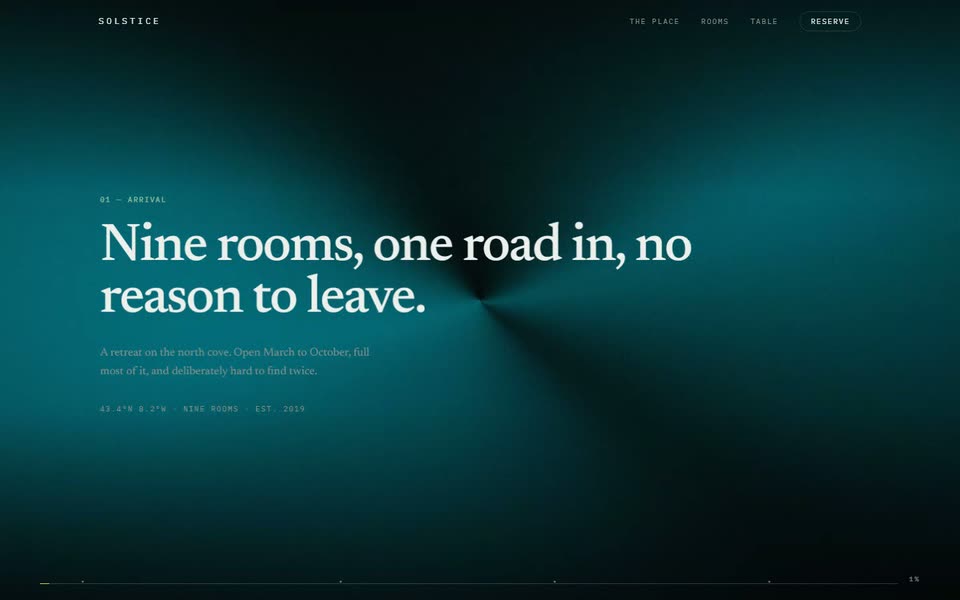
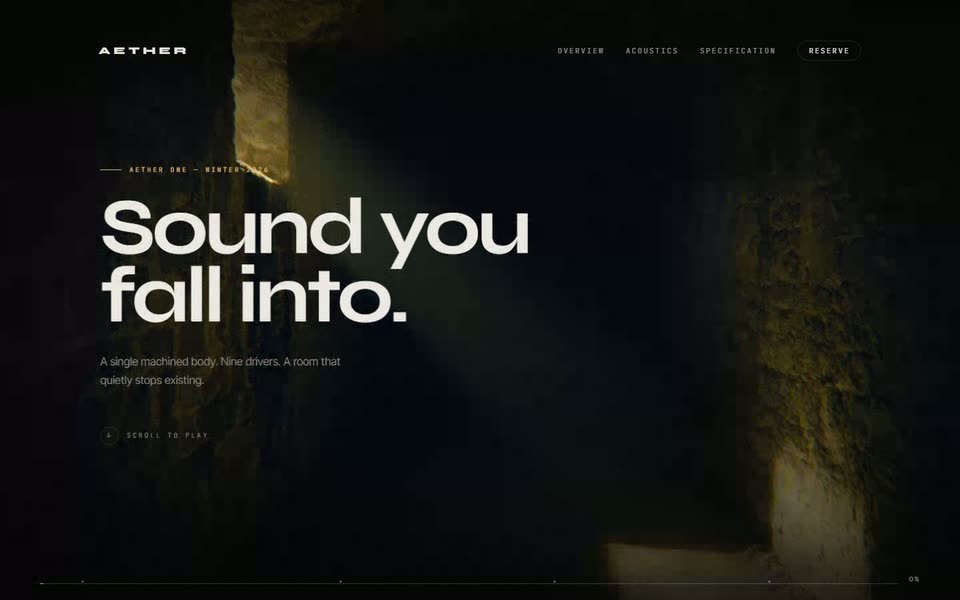
The full-bleed video background done properly: a poster-first player that never flashes black, chapters that crossfade the footage as you scroll, and the bail-outs for reduced motion, save-data and dead battery that most implementations skip.
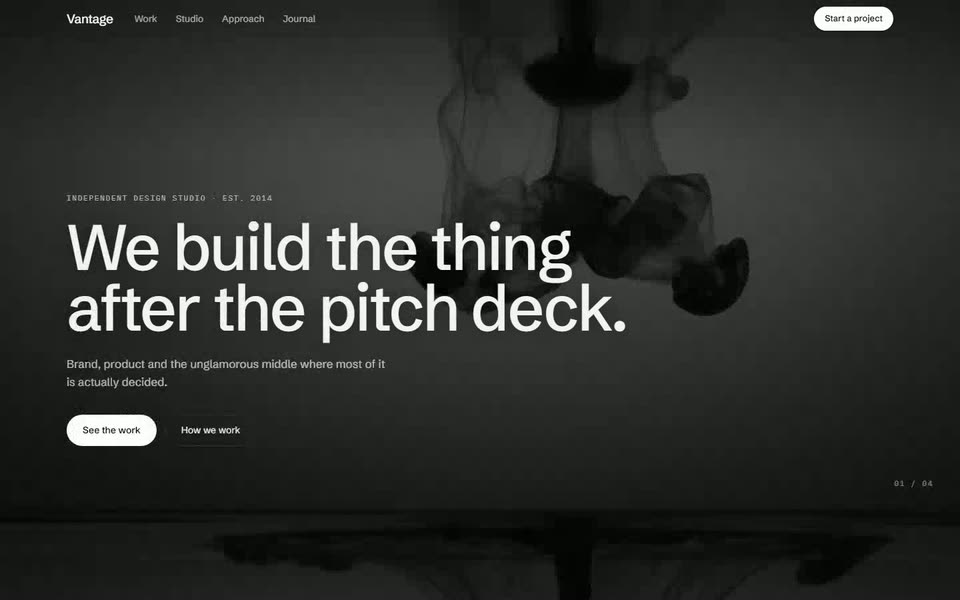
The prompt — 5 sections
Video Foundation
Build the video player that every section on this page will use. Get this right first — the rest of the page is layout.
Component `<BackdropVideo>` taking `src` (an array of sources, WebM first then MP4), `poster`, `active`, and `overlay`.
Non-negotiable attributes: `muted`, `playsInline`, `loop`, `autoPlay`, `preload="metadata"`, and `disablePictureInPicture`. Without `muted` and `playsInline` together, iOS refuses to autoplay and you get a black rectangle with a play button in the middle of your hero.
**Poster-first, always.** Render the poster as a real `<img>` underneath the video at the same object-fit and position, and keep the video at `opacity: 0` until its `canplay` event fires, then fade it in over 400ms. This is the single detail that separates a professional video background from an amateur one — without it every visitor sees a black flash on load, and visitors on slow connections see it for seconds.
**Bail out rather than degrade.** Skip the video entirely and render only the poster when any of these is true:
- `window.matchMedia('(prefers-reduced-motion: reduce)').matches`
- `navigator.connection?.saveData === true`
- `navigator.connection?.effectiveType` is `'2g'` or `'slow-2g'`
- The viewport is under 640px wide — mobile visitors pay for the bytes and rarely see the benefit
**Stop work nobody can see.** Register an `IntersectionObserver` that calls `pause()` when the video leaves the viewport and `play()` when it returns, and a `visibilitychange` listener that pauses when the tab is hidden. A looping 1080p video in a background tab is a battery complaint waiting to happen.
**Contrast is a requirement, not a taste call.** Every video gets a scrim: a `linear-gradient(to bottom, rgba(0,0,0,0.65), rgba(0,0,0,0.35) 40%, rgba(0,0,0,0.75))` layer between the footage and the content. Verify the result — body text over video must clear 4.5:1 against the *brightest frame*, not the average one. If it does not, darken the scrim rather than bolding the text.
**Encoding budget:** each clip is 5 to 8 seconds, 1080p, H.264 MP4 plus a VP9 WebM, under 3 MB each. Strip the audio track entirely — it is dead weight on a muted element. Generate the poster from the first frame so the handoff is invisible.
Hero
A full-viewport hero with the first clip behind it.
Structure: a `position: relative; height: 100svh` section — `svh`, not `vh`, or mobile browser chrome will crop the bottom of your composition. `<BackdropVideo>` fills it absolutely at `object-fit: cover`, the scrim sits above it, content above that.
Content, bottom-left rather than centred — centring over video is the default everyone reaches for and it fights the footage for attention. Anchor to the lower-left third: a mono eyebrow at 11px uppercase with 0.16em tracking, a headline at clamp(2.75rem, 7vw, 6rem) with leading 0.95 in a tight grotesk at weight 500, one line of body copy at 17px capped at 46ch, then a solid pill button and a ghost button.
Set the text in near-white `#f4f4f5` rather than pure white, and add `text-shadow: 0 1px 24px rgba(0,0,0,0.4)` — it reads as depth rather than a glow and buys you contrast on bright frames.
Top bar: a transparent header that gains a `backdrop-blur-xl` panel and a hairline bottom border after 60px of scroll, over 300ms.
Bottom-right, a mono chapter indicator reading `01 / 04` — it previews the mechanic in the next section before the visitor discovers it.
On load, stagger the eyebrow, headline, body and buttons in at 90ms intervals, each rising 20px over 700ms. Start the stagger on the poster, not on `canplay`, so slow connections still get the animation on time.
Scroll Chapters
The mechanic that sells this page: the footage changes as the visitor descends, while the content scrolls normally over it.
Build a `position: sticky; top: 0; height: 100svh` video stage, wrapped in a container four viewports tall. Inside the stage, mount **two** stacked `<BackdropVideo>` layers — A and B — not one whose `src` you swap. Swapping the `src` of a single element forces a reload and shows a black frame; crossfading two layers does not.
Track scroll progress through the container with an IntersectionObserver-driven scroll handler or `useScroll`, and divide it into four chapters. On crossing a boundary:
1. Load the incoming clip into whichever layer is currently hidden.
2. Wait for its `canplay`.
3. Crossfade the two layers' opacity over 700ms with an ease-in-out curve.
4. Pause the outgoing layer once the fade completes, then release it.
**Preload the next clip one chapter early** — set the incoming layer's `preload="auto"` when scroll progress passes 70% of the current chapter. The crossfade must never wait on the network.
Over the stage, render four chapter blocks, one per viewport height, each anchored bottom-left: a mono chapter number, a headline at clamp(1.75rem, 3.5vw, 3rem), and two sentences. Fade each block from 0 to 1 as it enters the middle third of the viewport and back to 0 as it leaves, so only one is legible at a time.
Update the `01 / 04` indicator as chapters change, animating the numeral with a 200ms vertical wipe.
Mobile and reduced motion: abandon the sticky mechanic entirely. Render four stacked full-width cards, each with its own poster image and copy beneath. The scroll-linked version is a desktop enhancement, not the baseline.
Inline & Split Video
Two lighter uses of footage, so the page is not one trick repeated.
**Split section:** a two-column band at 6:6. One column holds a 4:5 portrait video in a rounded 8px frame with a 1px hairline border; the other holds a mono label, a headline, three sentences and a text link. Alternate which side the video sits on between consecutive split sections. These videos are muted loops too, but give them a small unmuted-playback control in the corner — a 32px circular button toggling sound, since a visitor who chooses to hear something is a different case from autoplay.
**Inline masked video:** a full-width band where the footage plays *inside the letterforms* of a headline. Implement with `background-clip: text` over a video-textured element where supported, and fall back to solid near-white text where `background-clip: text` is unavailable — check support with `CSS.supports()` rather than sniffing browsers. Keep the headline short, three or four words, at clamp(3rem, 12vw, 10rem), because the effect only reads at scale.
Between the two, a thin marquee strip of mono text scrolling slowly on a black band — it gives the eye a rest between video moments without going silent.
Close & Footer
End on the quietest clip, not the loudest.
A `70svh` closing section with the fourth chapter's footage, a heavier scrim at 0.75 opacity, and centred content this time — centring works here precisely because it contrasts with the lower-left anchoring everywhere else. Headline at clamp(2rem, 5vw, 3.5rem), one line of copy, one solid button.
Fade the video's opacity from 1 to 0.35 across the final 40% of scroll so the page settles into flat black before the footer, rather than cutting from motion to a static bar.
Footer on solid black: four link columns, a mono copyright line, and a row of social links whose underlines wipe in from the left over 300ms.
Final pass before shipping — the checks that catch the real bugs:
- Throttle to Slow 3G and confirm the poster carries the hero alone, with no black frame at any point.
- Turn on reduced motion and confirm every video is replaced by its poster and the sticky chapter mechanic is gone.
- Load on a phone and confirm nothing autoplays with sound and the hero fills `100svh` with no crop.
- Scroll fast through all four chapters and confirm no black frame appears between crossfades.
- Background the tab for a minute and confirm CPU drops to idle.
Files included
14 files · 2.1 MB · 10 video
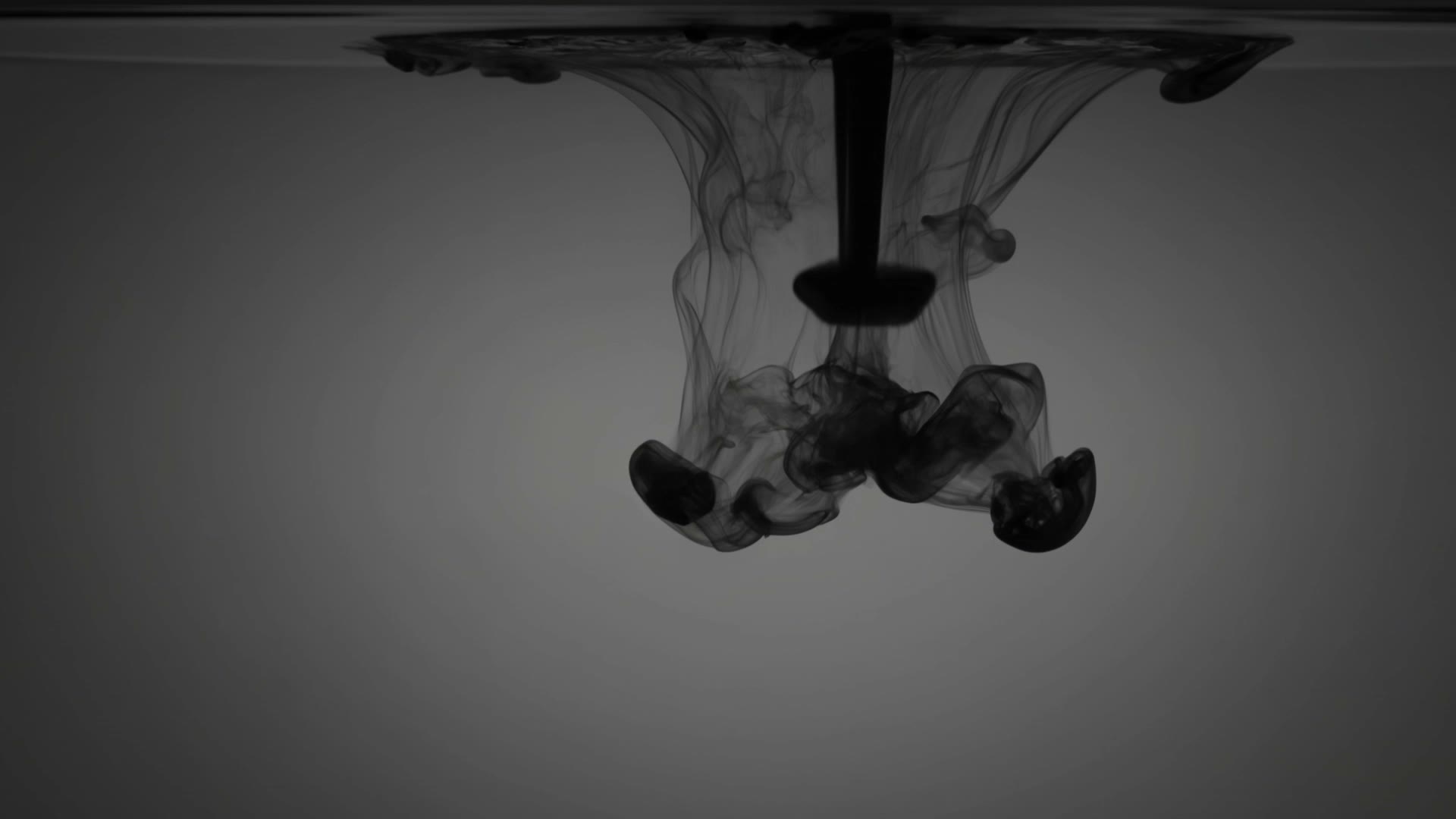
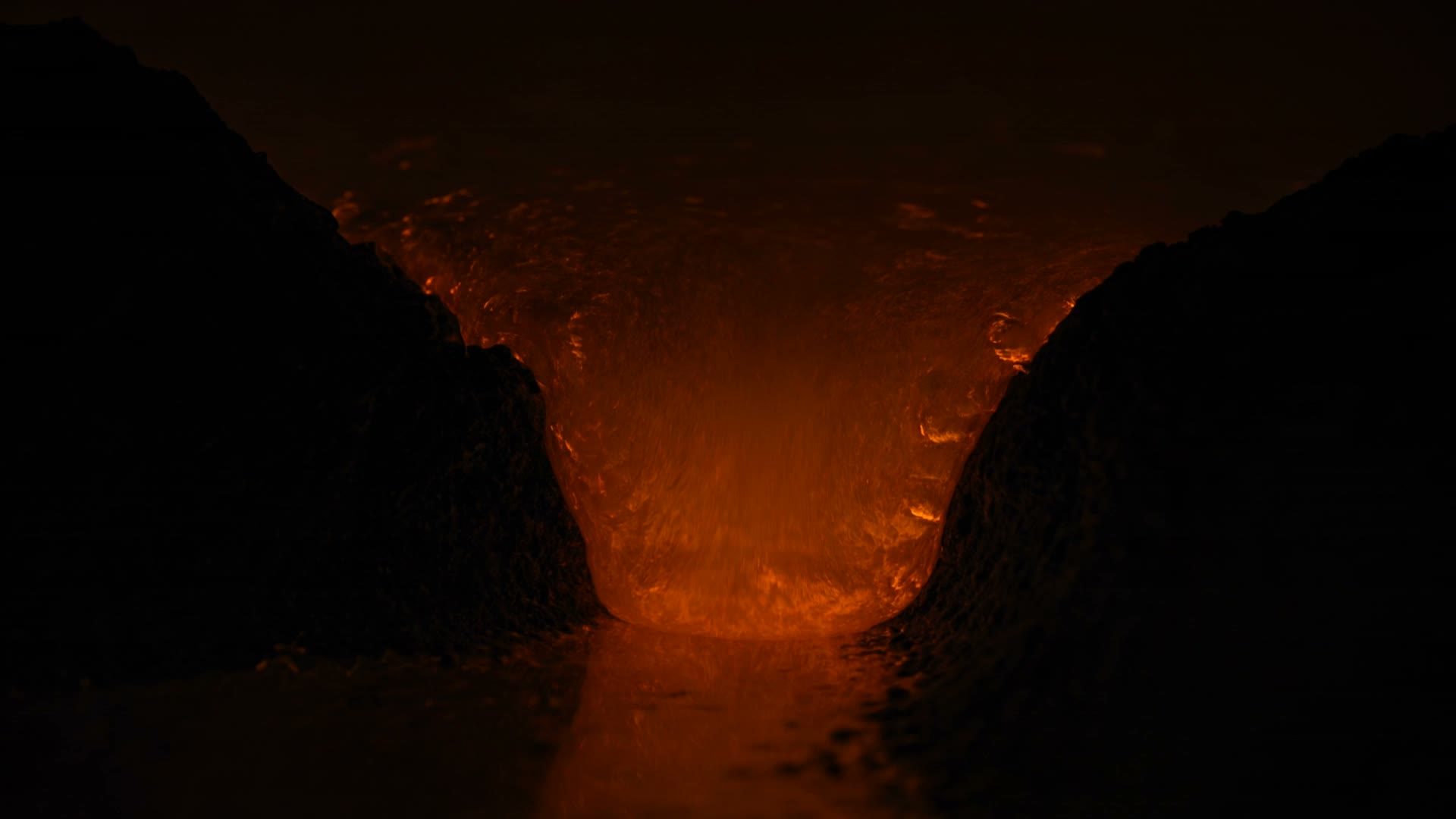
The prompt builds the page. These are the assets it expects, already encoded and ready to drop in — muted, audio stripped, faststart, with a poster frame pulled from the first frame of each clip.
- jpgvantage-1.jpg44 KBDownload
- mp4vantage-1.mp4267 KBDownload
- webmvantage-1.webm100 KBDownload
- jpgvantage-2.jpg37 KBDownload
- mp4vantage-2.mp4253 KBDownload
- webmvantage-2.webm61 KBDownload
- jpgvantage-3.jpg51 KBDownload
- mp4vantage-3.mp4388 KBDownload
- webmvantage-3.webm114 KBDownload
- jpgvantage-4.jpg29 KBDownload
- mp4vantage-4.mp4180 KBDownload
- webmvantage-4.webm56 KBDownload
- mp4vantage-video-backgrounds-loop.mp4444 KBDownload
- webmvantage-video-backgrounds-loop.webm149 KBDownload